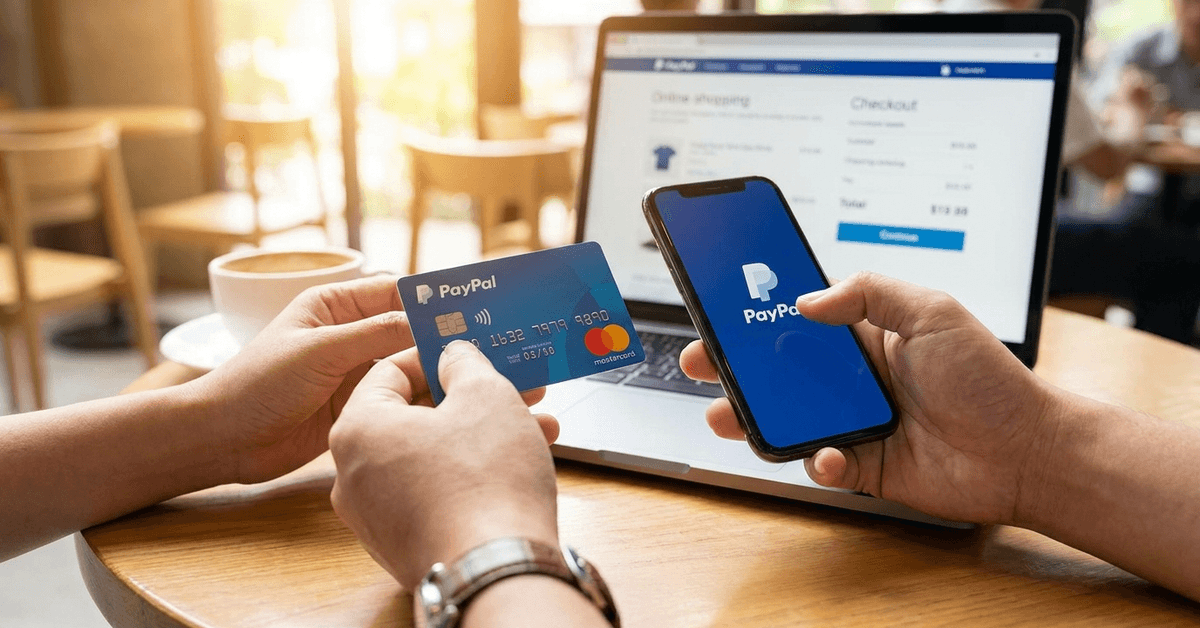
You don’t need a paid subscription to manage your money. Today, free financial tools offer the same level of power and automation as many paid apps.
Whether you're trying to budget, invest, or manage debt, the right free app can guide you every step. Here are the most reliable free tools you can use today to manage your money smarter.
Budgeting Tools to Stay on Track
Managing a budget is the first step to financial control. The right tool can help you see where your money goes and where to cut back.

Mint
Mint is a simple and popular option for beginners. It links to your bank accounts and automatically categorizes spending.
You can set custom budgets for groceries, bills, or anything else. Mint also alerts you when you overspend. The interface is easy to understand and great for visual learners. Visit: https://mint.intuit.com
EveryDollar
EveryDollar follows a zero-based budgeting approach. It forces you to give every dollar a job before the month begins. It’s useful if you want a clear plan for every category.
You input expenses manually, which keeps you aware of every transaction. The design is clean and easy to use. Try it here: https://www.ramseysolutions.com/ramseyplus/everydollar
Investment Trackers to Watch Your Growth
Even if you’re not a seasoned investor, tracking where your money is going is essential. These tools help you monitor your investments and make better decisions.
Personal Capital (Empower)
Personal Capital gives you a big-picture view of your net worth. It combines budgeting and investment tracking in one tool.
You can view your assets, debts, and investment performance in real-time. It also includes retirement planning tools and a fee analyzer. It’s ideal if you want to grow long-term wealth. Check it out at: https://www.empower.com.
Morningstar Portfolio Manager
Morningstar helps you analyze your portfolio with professional-grade tools. You can manually input investments or connect accounts. It gives you detailed performance reports and risk analysis.
Morningstar also assigns star ratings based on historical performance. It’s great for DIY investors who want in-depth insights. Use it here: https://www.morningstar.com
Credit and Debt Tools to Improve Your Score
It is crucial to stay on top of your credit and debt. These tools provide the visibility and structure needed to manage both wisely.
Credit Karma
Credit Karma lets you monitor your credit score for free. You get access to your credit reports and can spot errors quickly.
It also gives recommendations for credit cards or loans that match your score. You receive real-time alerts for changes on your credit file. It’s free, easy to use, and trusted by millions. Visit: https://www.creditkarma.com
Undebt.it
Undebt.it is designed to help you eliminate debt faster. You can build your own payoff plan using snowball or avalanche methods.
It tracks your progress, interest savings, and expected debt-free date. This tool keeps you motivated and focused. It’s flexible, customizable, and 100% free. Try it here https://undebt.it
Savings and Goal Apps to Build Habits
Saving money becomes easier when you automate it. These tools help you build better saving habits and reach goals faster.
Qapital
Qapital uses rules and triggers to automate savings. You can round up purchases or set recurring transfers to meet goals. The app gamifies saving, making it more enjoyable.
It’s ideal for people who struggle with consistency. You also get access to goal-setting templates and spending tracking. Check it out: https://www.qapital.com
Yotta
Yotta combines saving with rewards. Every dollar saved earns you a ticket to weekly prize drawings. It’s FDIC-insured and built to encourage saving through gamification.
The prizes add a layer of excitement that helps users stick to saving. Even if you don’t win, your money still grows safely. Learn more: https://www.withyotta.com
Expense and Receipt Managers to Stay Organized
Receipts, bills, and daily expenses can quickly overwhelm you. These apps help you keep things sorted and stay within budget.
PocketGuard
PocketGuard shows how much money you have left after bills, goals, and necessities. It automatically links to your financial accounts. The app flags recurring subscriptions and identifies areas to cut spending.
It helps prevent overdrafts and encourages mindful spending. PocketGuard is best for people who want a daily spending guide. Explore it at: https://pocketguard.com
Expensify
Expensify is ideal for tracking receipts and business expenses. You just snap a picture of your receipt, and it logs it automatically.
It works well for freelancers and remote workers. You can generate monthly reports and export them for taxes. Expensify simplifies expense tracking without the clutter. Try it here: https://www.expensify.com.
Smart Habits to Maximize These Tools
Use these apps consistently to get the most out of them. Many users quit too soon because they expect instant results.
- Set a fixed day each week to review your finances
- Turn on alerts for overspending or large transactions
- Automate savings with round-ups or transfers
- Track your net worth monthly to stay motivated
- Link only the accounts you use for transparency
Using multiple tools is fine, but don’t overdo it. Stick to one app per function to avoid confusion.
Additional Features to Consider When Choosing Tools
Beyond basic features, some tools offer key extras to improve your overall experience. These additions can save you time and improve decision-making.
Sync With Banks and Cards
Linking your accounts helps automate data entry and reduce errors. It gives you a complete picture of your financial activity.
Tools with syncing features update balances in real time, saving you from entering data manually and catching missed transactions. Make sure the platform uses secure encryption protocols. Only sync accounts you trust with sensitive data.
Mobile vs Desktop Access
Some apps are designed for mobile-first users, while others have a better layout on desktop for more complex analysis. Choose based on how often and where you plan to access your finances.
If you frequently travel, mobile access is essential. A desktop interface is better for deep financial reviews. Pick a tool that suits your daily routine.
Alerts and Notifications
Real-time alerts help you stay in control. Set up warnings for low balances, upcoming bills, or spending limits. These notifications can prevent overdraft fees and late payments.
Some tools also offer alerts for saving milestones or investment changes. Notifications keep you engaged and proactive with your money. Enable only the alerts you genuinely need to avoid app fatigue.
Final Thoughts: You Don’t Need to Spend Money to Manage It Well
Managing your finances doesn’t require expensive software. These ten Free Financial Tools to Manage Your Money Smarter cover everything from budgeting and saving to investing and credit tracking.
Choose one or two tools per category that fit your lifestyle. Use them consistently, and you’ll see real improvements in handling your money.